Managing Shipments
Editing
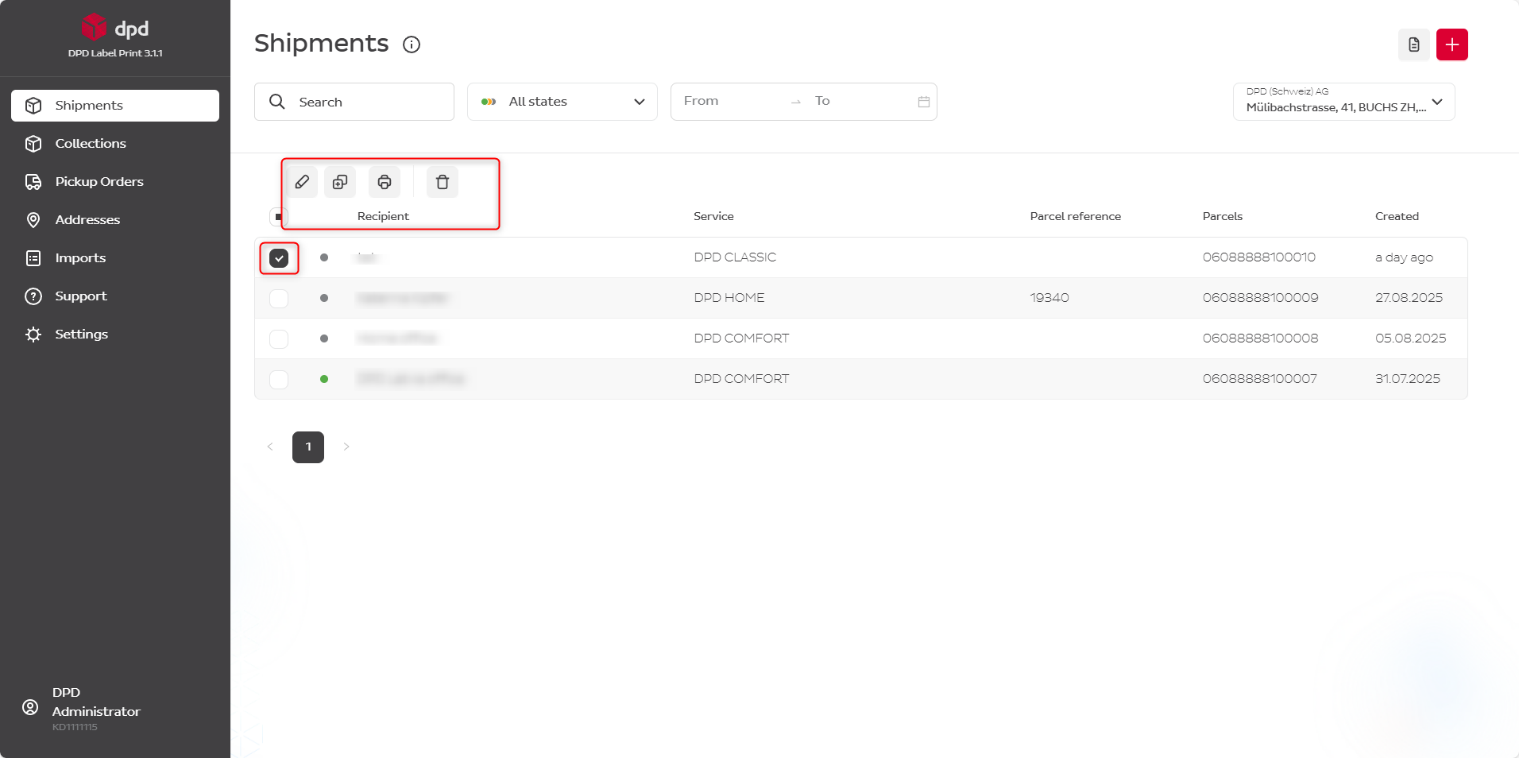
When you click the checkbox in front of a shipment, action buttons appear at the top of the list:
- Edit
- Duplicate
- Delete
note
You can edit and delete shipment information until the label has been printed.
Shipment Status
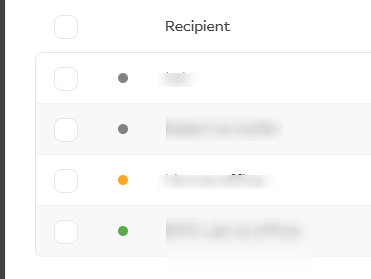
| Colour | Meaning |
|---|---|
| Grey | Label has not been printed yet — changes can still be made |
| Yellow | Label has been printed, but DPD has not yet processed the shipment data (max. 15 minutes) |
| Green | Data transfer to DPD systems successfully completed |
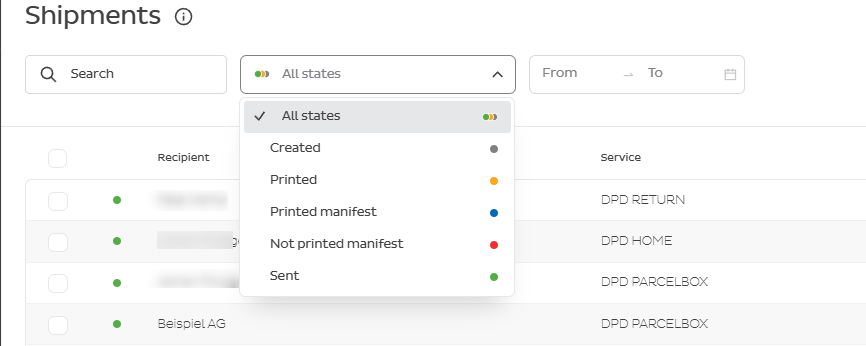
| Blue dot | Manifest printed (filter only) |
| Red dot | Manifest not printed (filter only) |
You can filter shipments by their status using the filter dropdown.