Settings
Default Settings
In Settings → Default Settings you can configure default values for shipment creation, such as your default sender address, masking address, and preferred services.
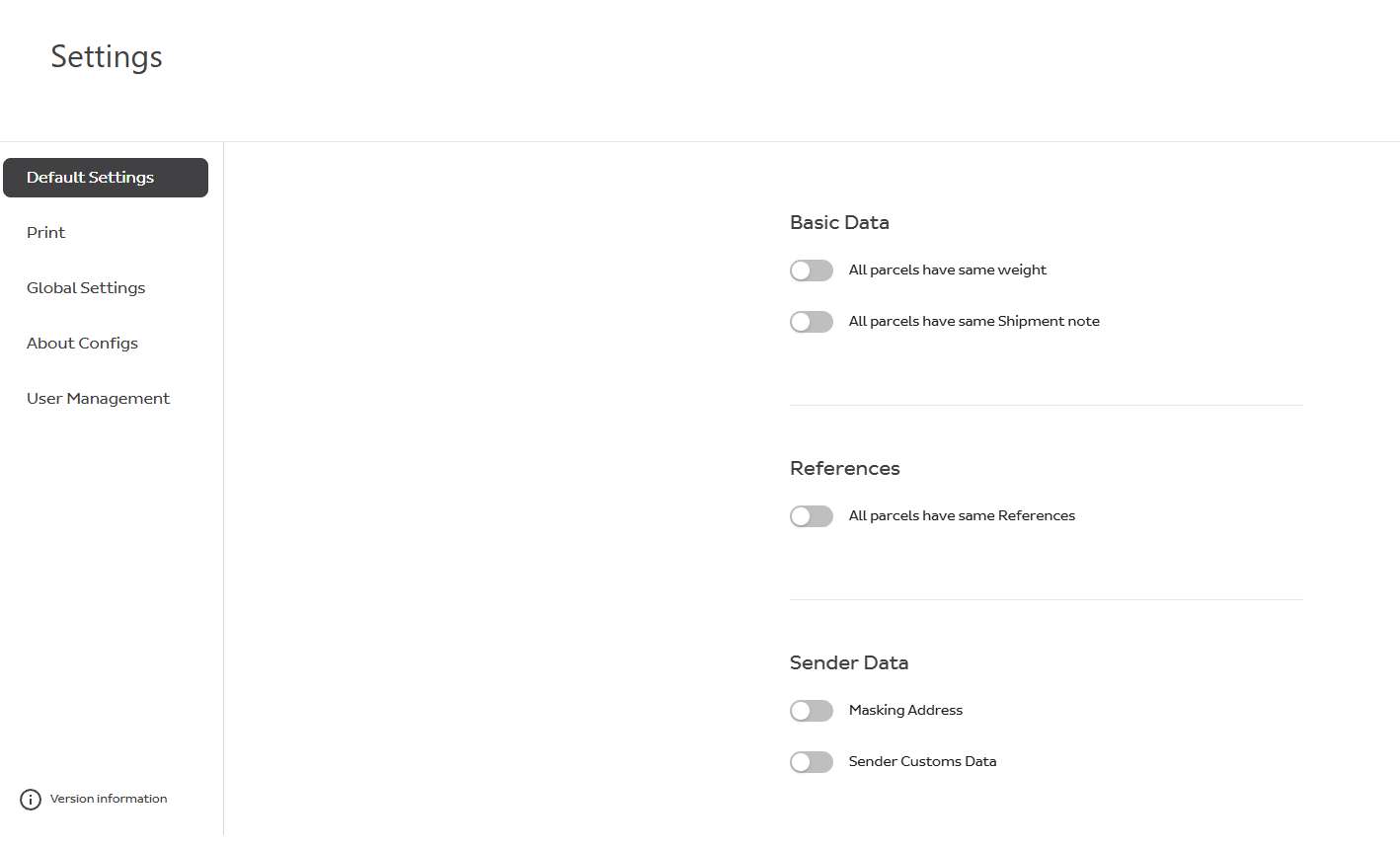
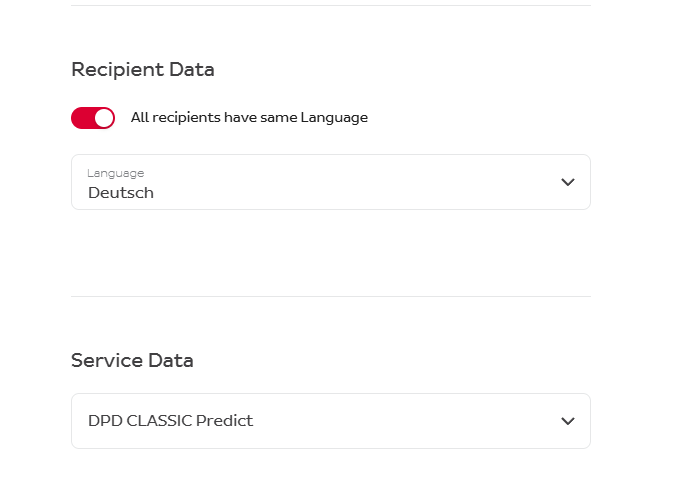
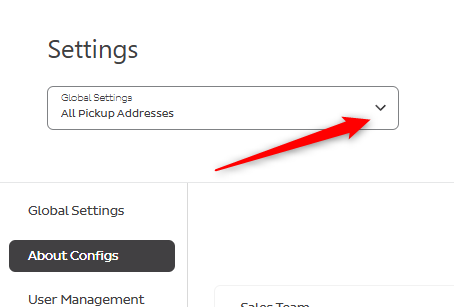
If you have several pick-up addresses, you must first choose a pick-up address for the Default Settings to appear in the menu list.
Print Settings
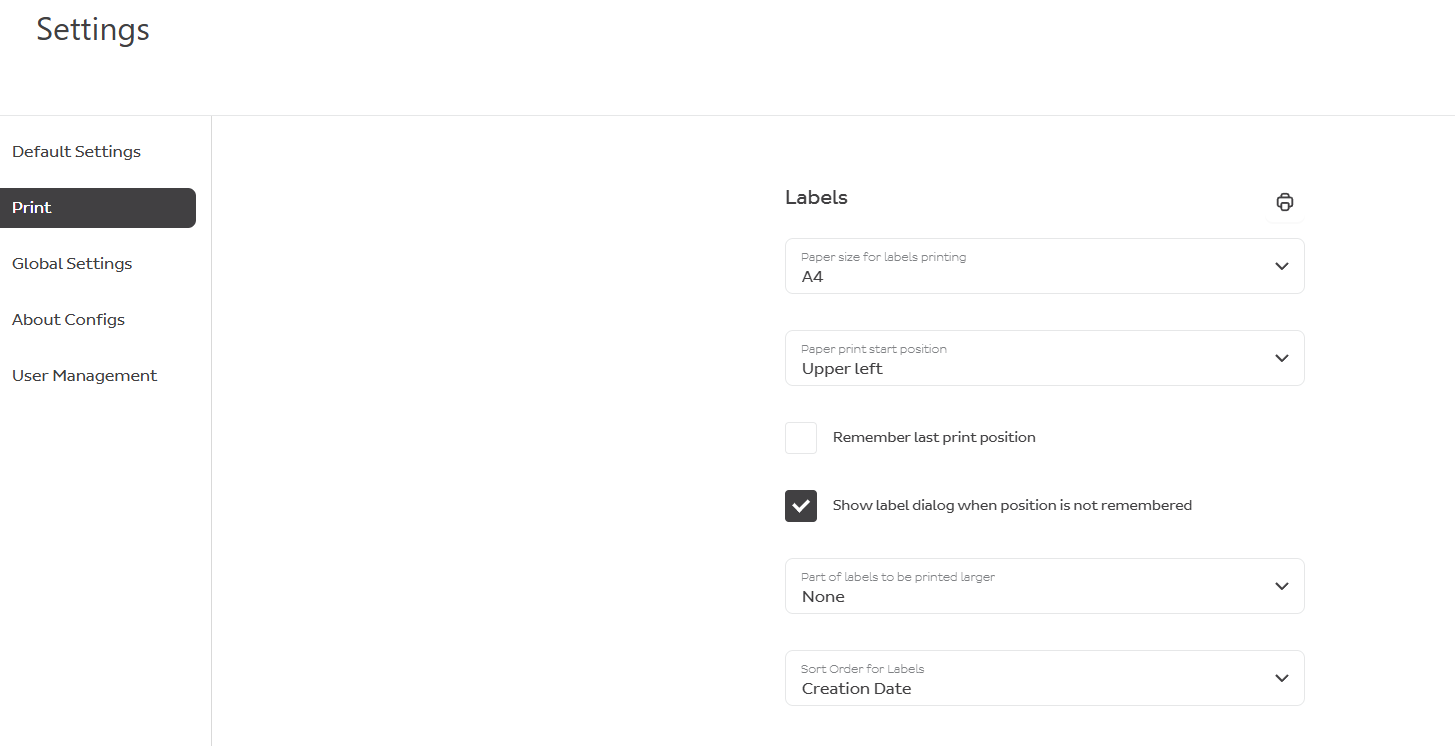
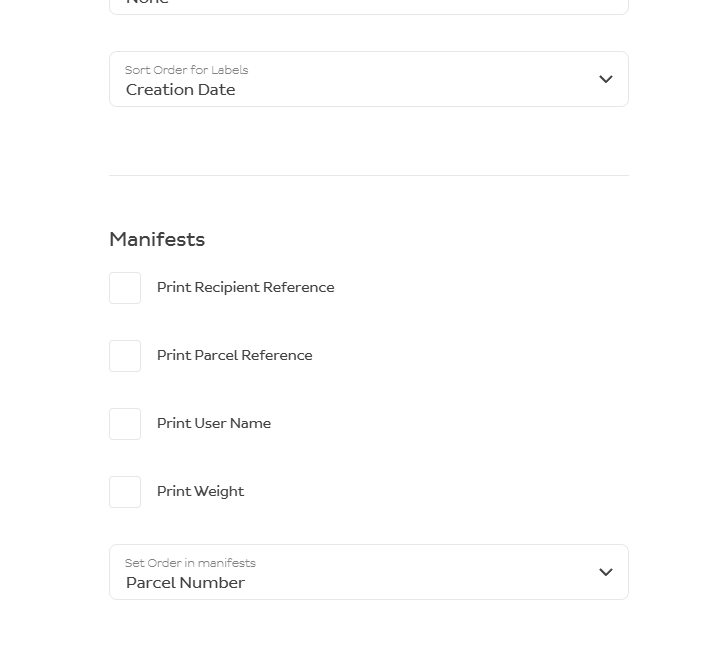
In Settings → Print you can configure how labels and manifests are generated and printed.
User Administration
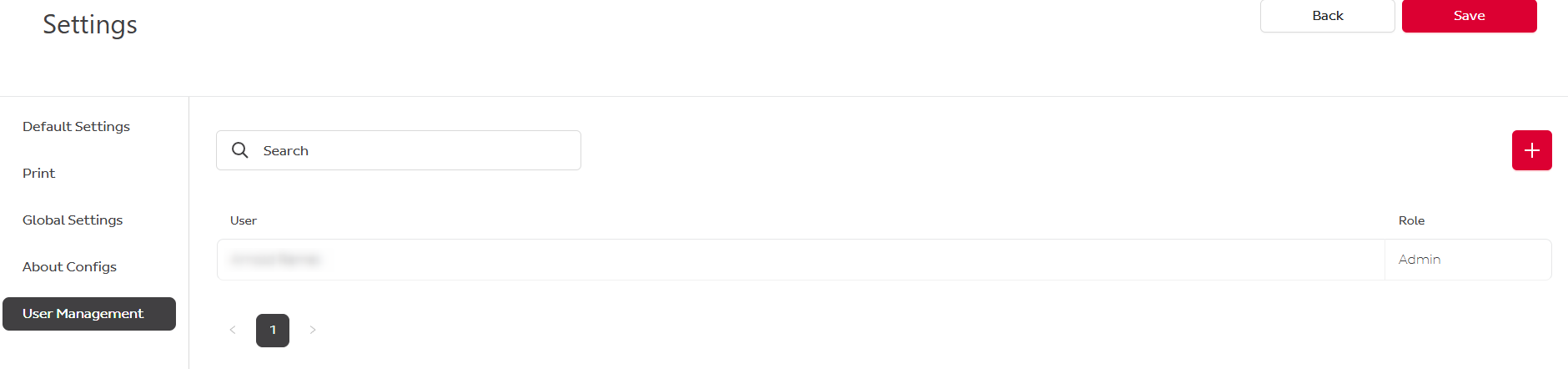
An administrator can create other administrators and users and manage their access — including assigned services and pick-up addresses (if you have several pick-up locations).
To create a user, go to Settings → User Management → +.
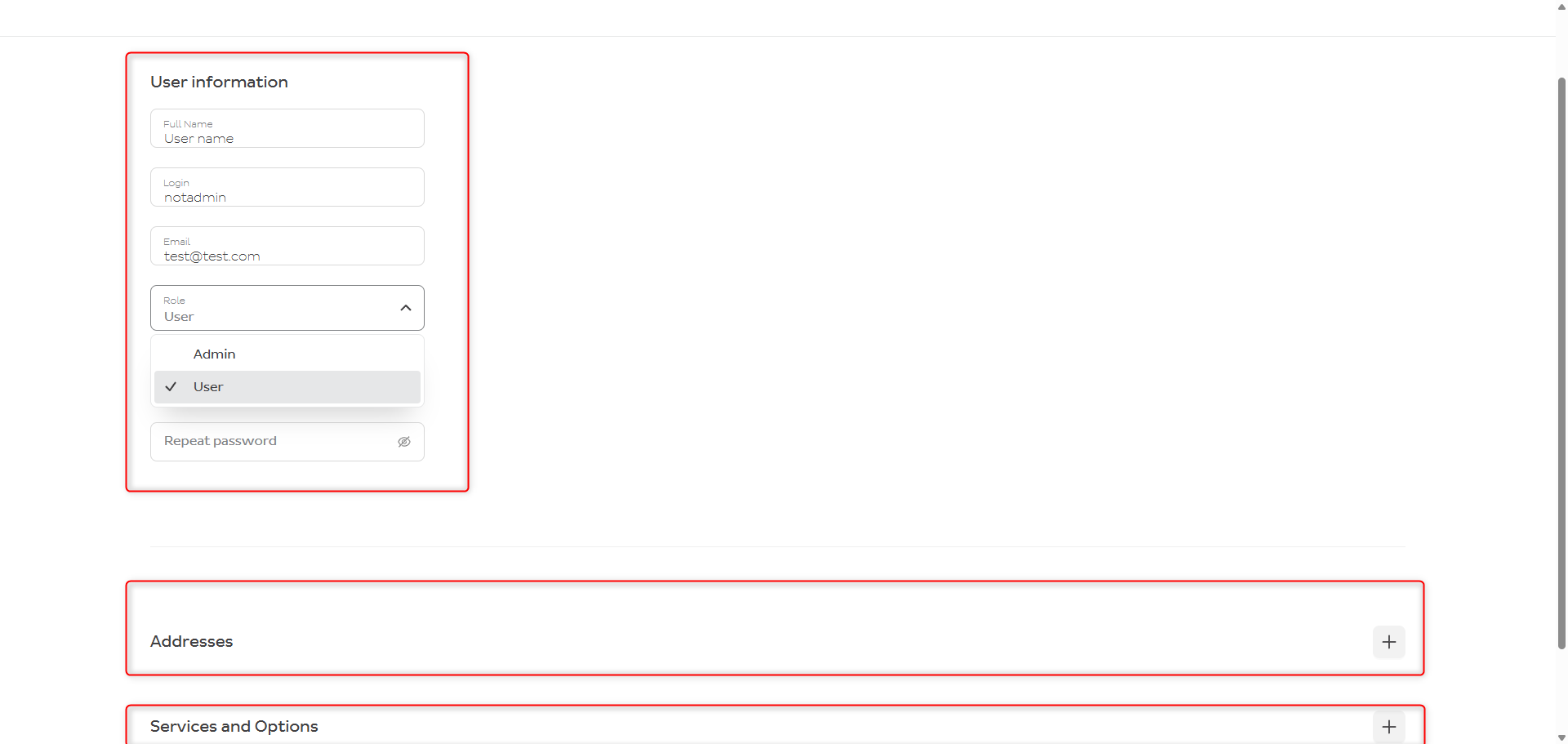
All Label Print users must have a unique e-mail address.
When creating a user, make sure you have added an Address and Services and Options, otherwise the user will not be able to log in or create a shipment.
To change or delete a user, click on the user's name and use the options in the top-right corner.

Contact
If you have any problems, please contact IT support.
DPD (Schweiz) AG
CIT Migration Team
labelprint@dpd.ch